Install the APK or stay in the browser
Choose this path when the installation entry appears inside your signed-in SugarDaddyMeet Profile and you are comfortable reviewing Android's file prompt.
Stay in the browser when the entry is missing, the file source is unclear, or you do not want to manage an installed package.
Follow the four actions shown by SugarDaddyMeet
These screenshots show the route presented on SugarDaddyMeet's current app instructions. They explain where to tap; they do not inspect the APK package itself.
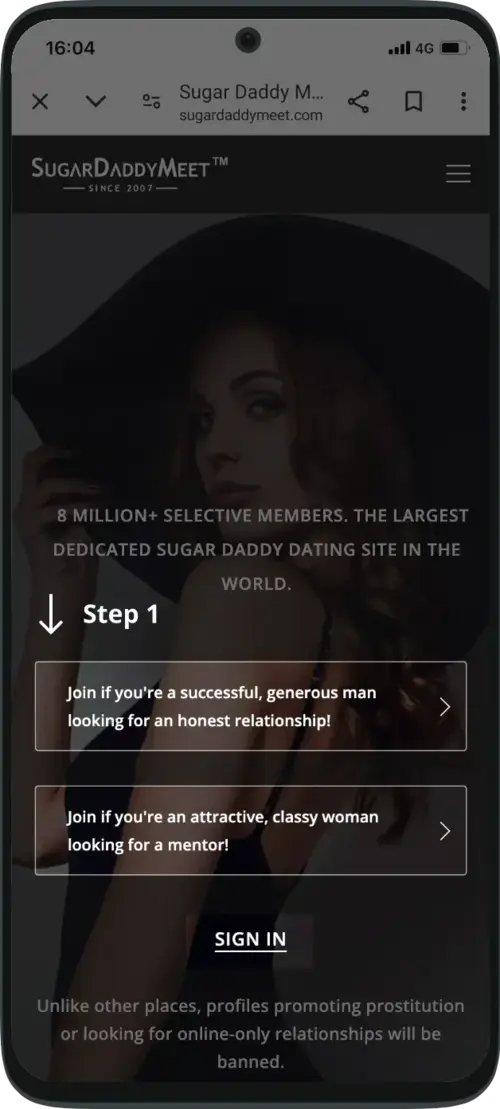
Sign in on SugarDaddyMeet
Open SugarDaddyMeet in your Android browser and sign in to the account you already use.
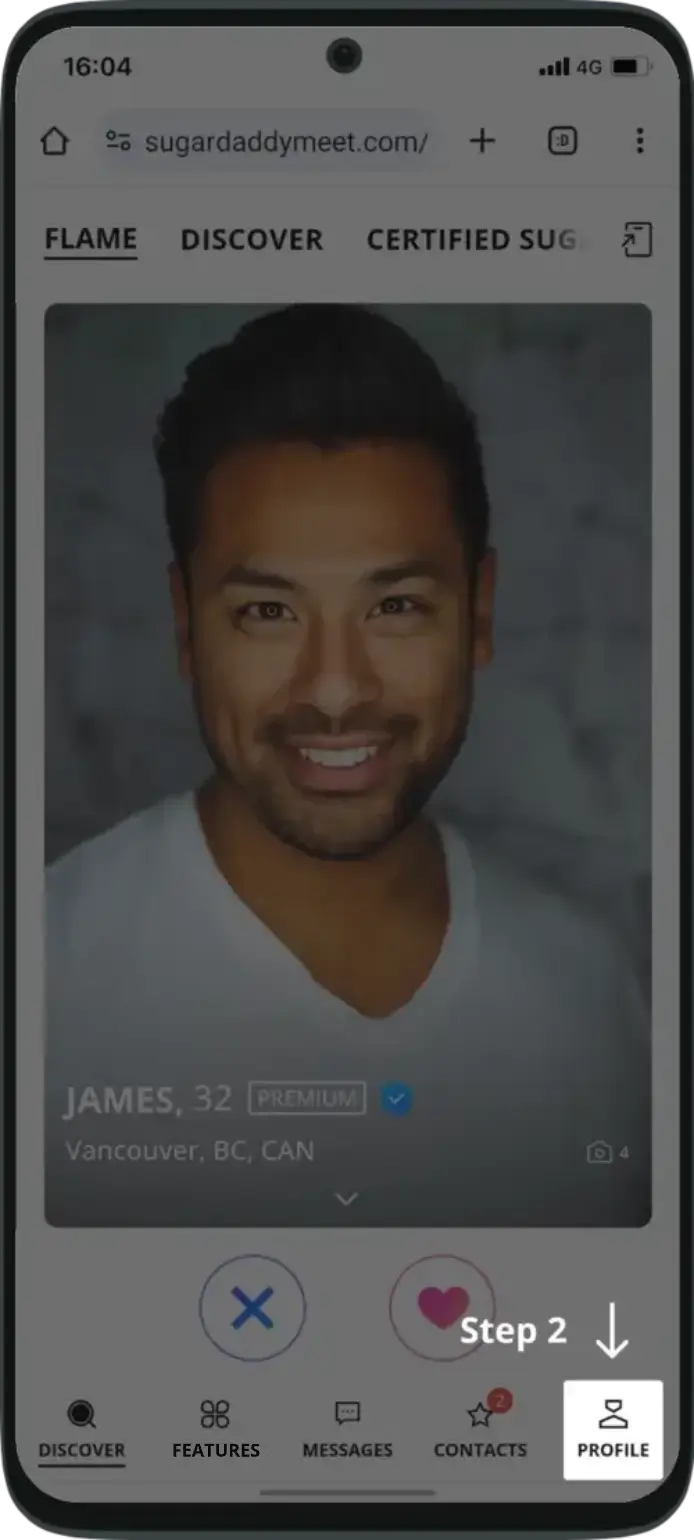
Open Profile
Use the Profile tab at the bottom of the signed-in mobile interface.
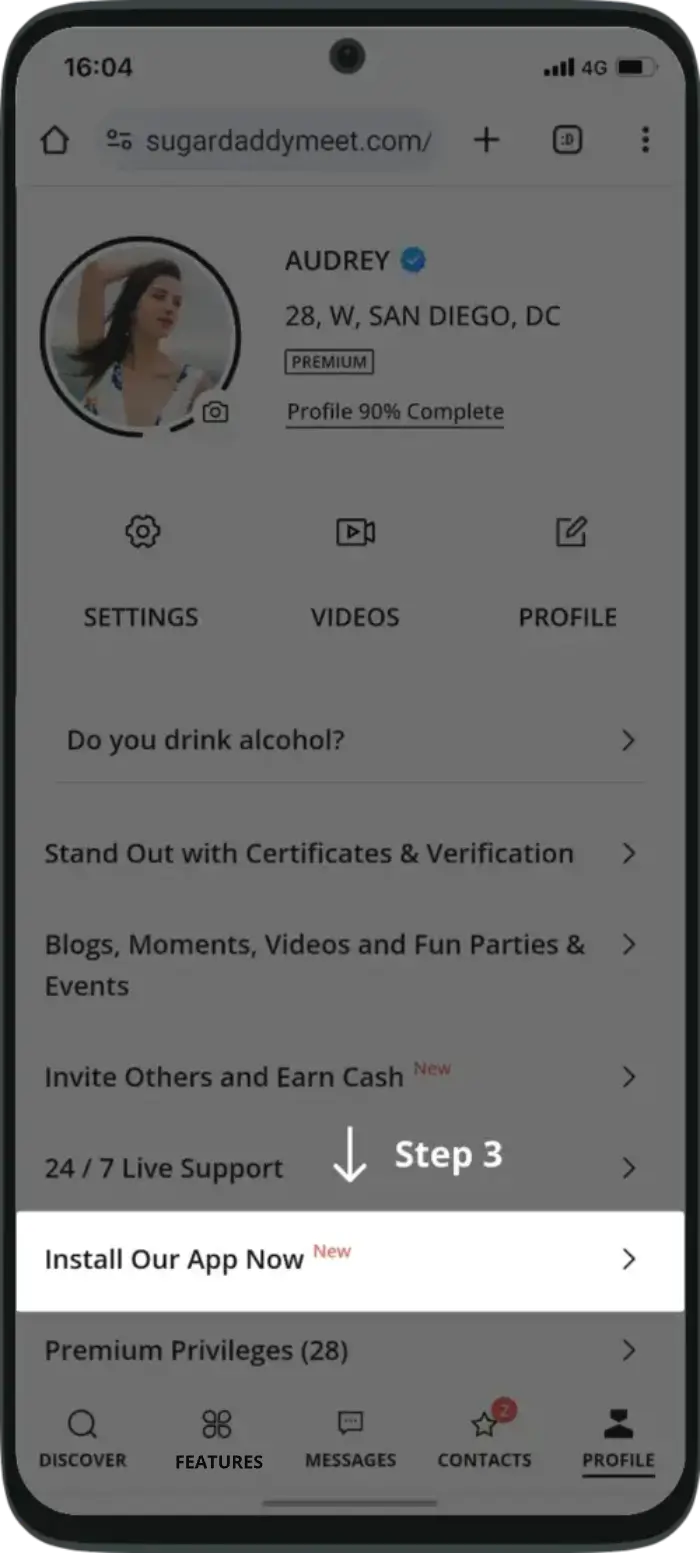
Tap “Install Our App Now”
Scroll within Profile until the installation entry shown in the screenshot appears.
Choose “DOWNLOAD APK”
Read the instructions and the Android prompts on your device before continuing with the file.
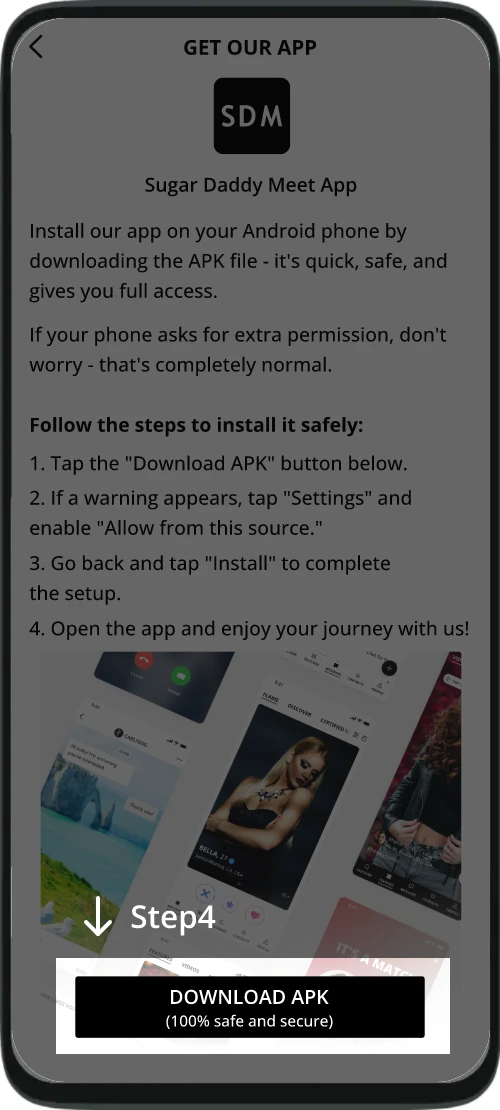
Menus, permission wording, and icon placement can vary by Android version, browser, and device manufacturer.
If Android blocks the installation
The Profile entry is missing
Confirm that you are signed in and viewing Profile in the mobile interface. If the entry still does not appear, use the browser instead of searching for a substitute file.
Android asks to allow this source
The permission belongs to the browser that opened the file. Read the browser name and prompt carefully, and continue only when they match the route you intentionally started.
The file will not open
Stop instead of switching to a download mirror. Use the mobile website while you check the current route.
Check the APK source before installing
Search results can retain old package listings after distribution changes. Starting from the current SugarDaddyMeet route makes it easier to distinguish its instructions from a mirror, an older file, or a similarly named listing.
- Begin from SugarDaddyMeet rather than a file result in search.
- Check which browser or source Android names in its prompt.
- Do not assume an indexed package is current because it still downloads.
- Return to the mobile website when the source or permission request is unclear.
How to read the Google Play result
Google Play currently lists “SDM: Sweet & Discreet Meet” under the developer label SDM Lifestyle. SugarDaddyMeet's app instructions separately directs Android users through its signed-in APK route. The shared letters are not enough on their own to prove that the two distribution paths have the same publisher.
The SDM Sweet & Discreet Meet explanation shows which listing details to compare without treating a similar title as ownership evidence.
When the mobile website is the better route
Use the browser when you do not want to install an APK, when Android blocks the file, or while you verify a changed instruction. The SugarDaddyMeet app vs website comparison explains how installation, updates, and browser access differ.
If you are using an iPhone, these APK instructions do not apply. Follow the SugarDaddyMeet iPhone Safari steps instead.